Quick Guide: "Which Switches to Choose for Your Keyboard?"
Red, orange, yellow, green, blue, cyan, and purple – these aren't just colors of the rainbow but the beginning of the list of switches, each with its unique features. Today, we won't discuss all switches at once but will focus only on those used in our keyboards.
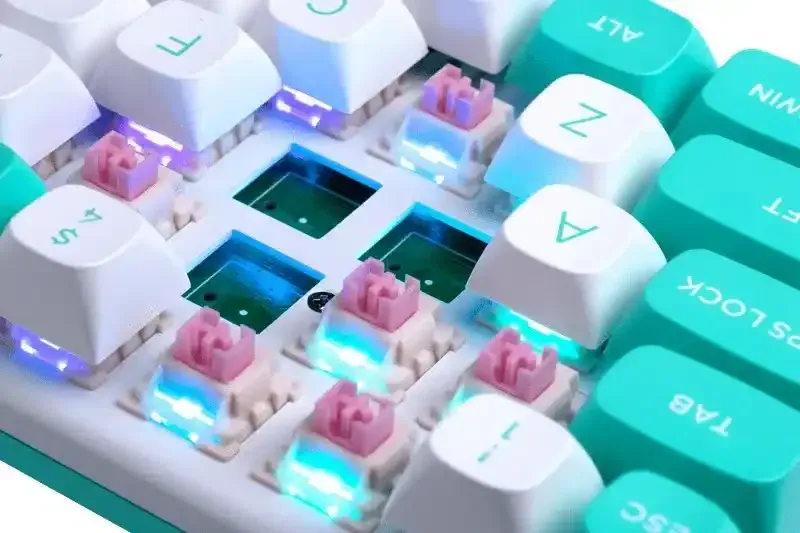
In this article, we won't overwhelm you with terms like "stem" or "click-jacket." Instead, we will try to explain the differences between switches simply and clearly to help you choose the right ones. Let's start with the basic concepts:
Actuation Point – the moment when the key press is registered by the computer.
Actuation Force – the force required to press the key and register a click.
Travel Distance – the total length from the switch's top position to its bottom limit.
Silence and Peace: Silent White Switches
Silent White switches live up to their name by providing truly quiet operation, minimizing sound when pressed. However, they require slightly more force to click than red switches, which might cause fatigue for some users.
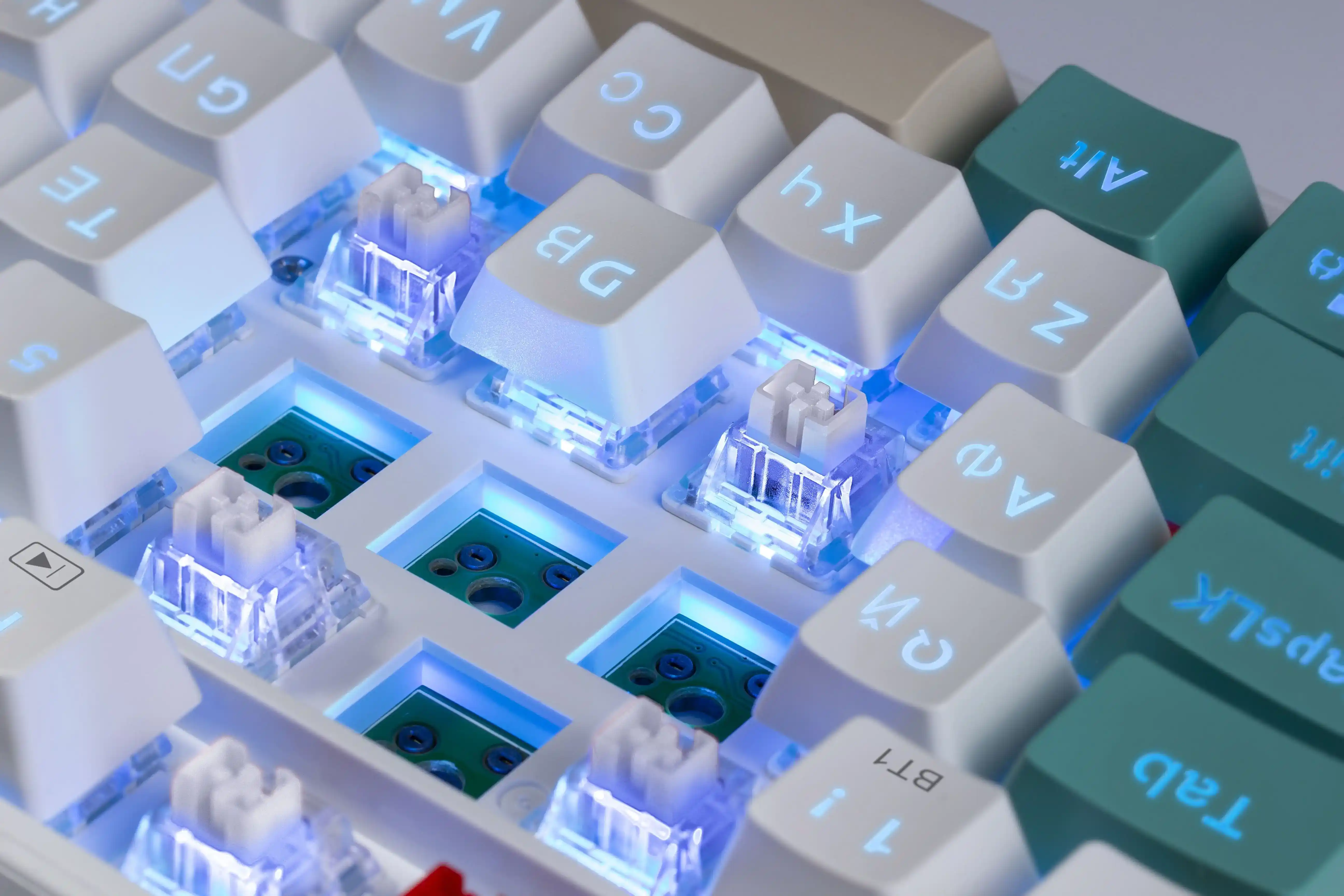
In games, the additional force can be an advantage, reducing the likelihood of accidental presses during intense gameplay. However, the reduced tactile feedback might affect the precision and feel of the presses, which is crucial in games requiring quick reactions.
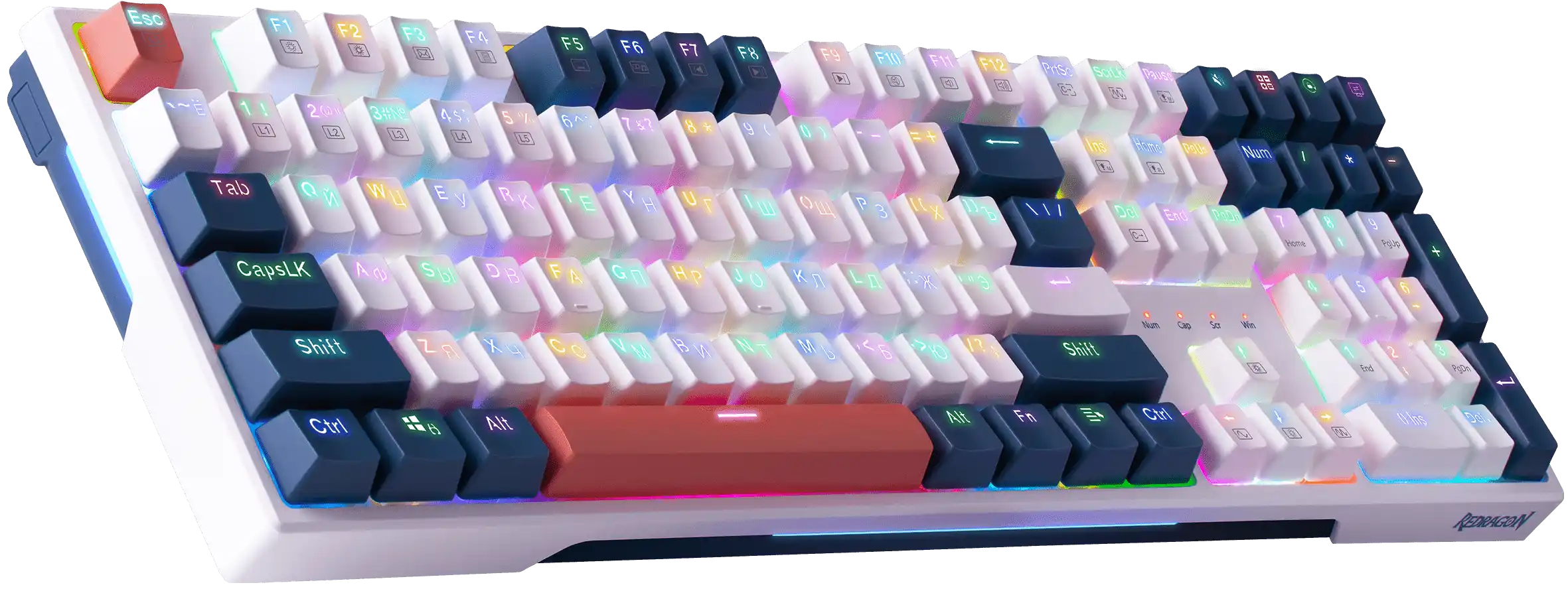
Want peace and quiet? Try our new mechanical keyboard Redragon WHISPER.
Hardcore Classic: Blue Switches
The loudest and most clicky switches. Despite their noise, many users love them for their pronounced tactile feedback and distinctive click. These switches have one of the deepest actuation points and require significant force to press. They are perfect for those who want to both feel and hear every press on their mechanical keyboard.
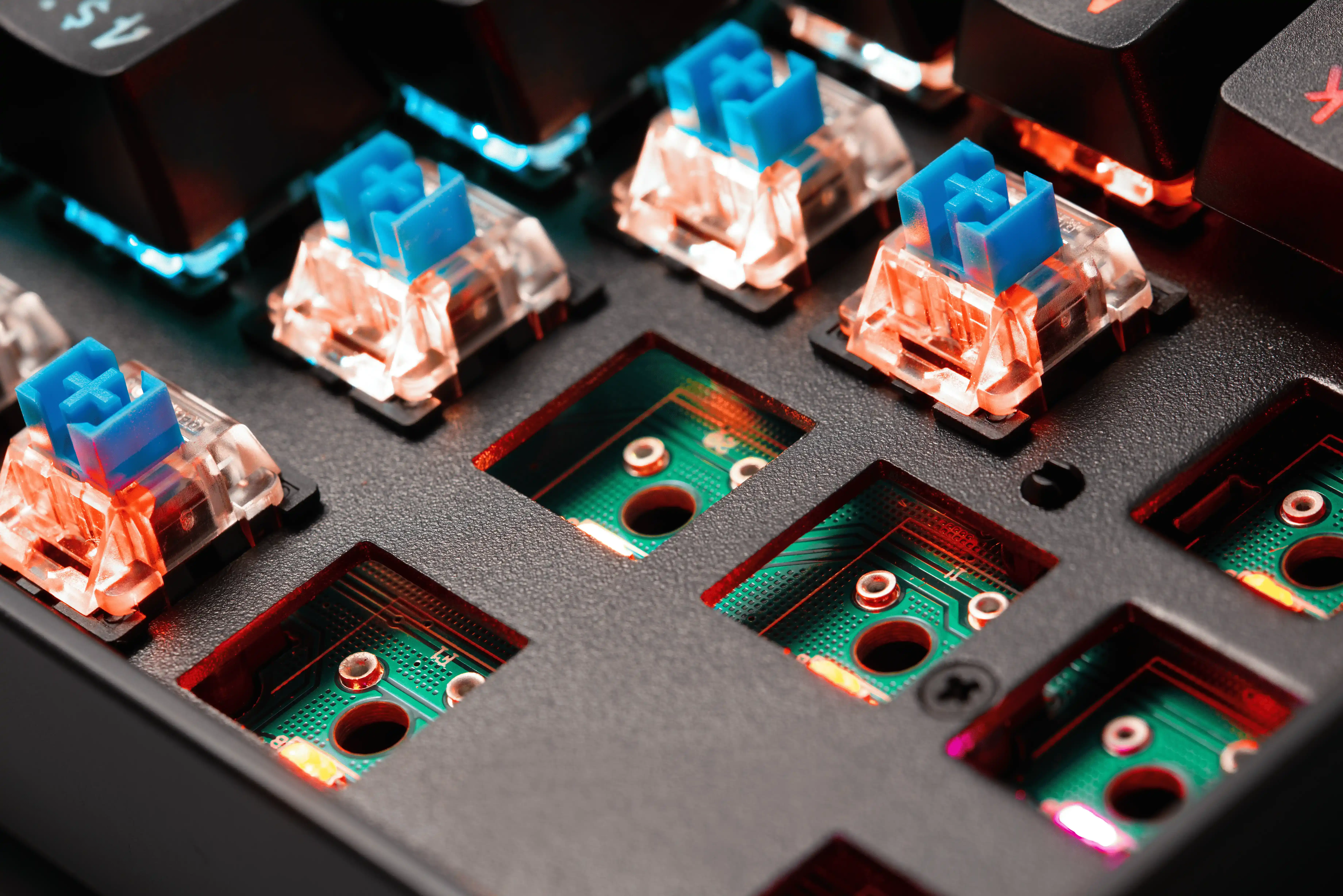
However, consider the downside: these switches are very loud. If you live with someone sensitive to noise, using such keyboards can be problematic. These are the most uncompromising switches, so choose clicky switches carefully.
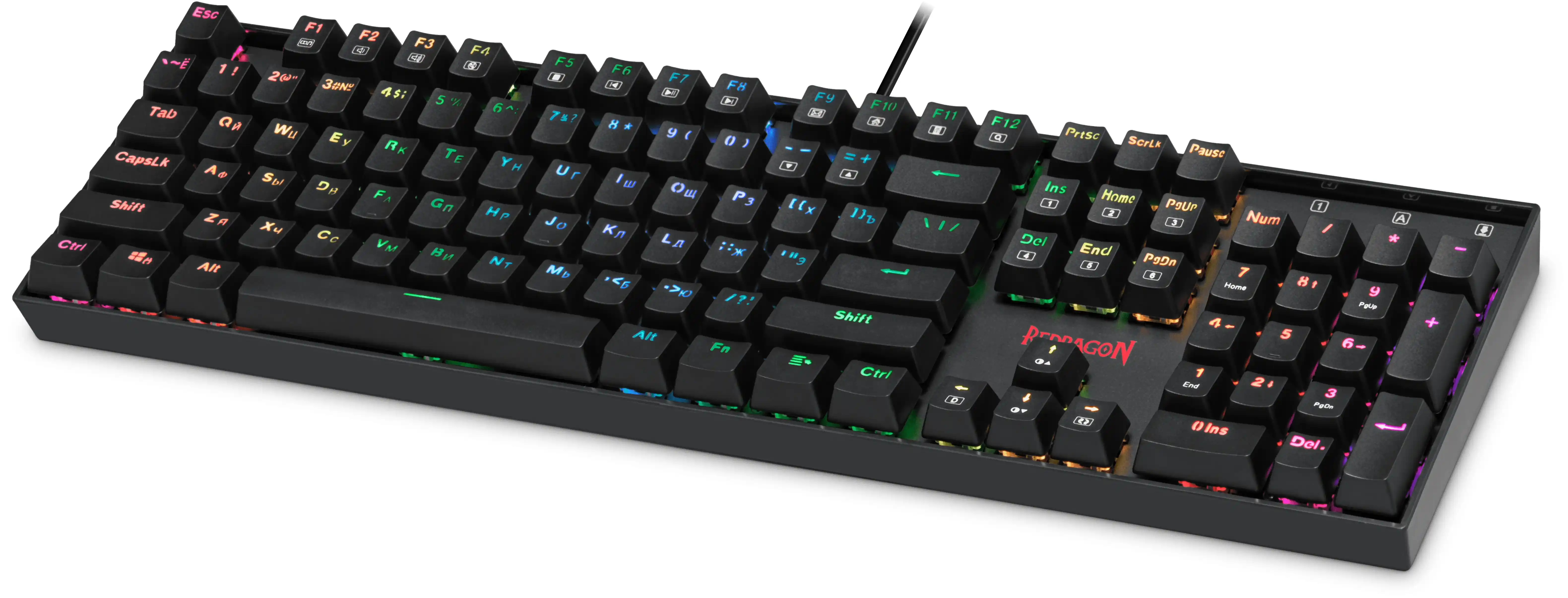
For true old-school fans, our mechanical keyboard Redragon MITRA is a great fit.
The Basics: Brown Switches
If you are just starting with mechanical keyboards, we recommend choosing brown switches. They have a moderate actuation point, no audible click, but provide pleasant tactile feedback. These switches require moderate force to press, making them comfortable for long-term use. Brown switches are ideal for those who type a lot, as they clearly convey the key activation moment.
As for the downsides, their versatility might be seen as a drawback. Brown switches don't have strongly defined characteristics that might be important for experienced users. If you know exactly what you need from a keyboard, you might consider other switches that better meet your requirements.
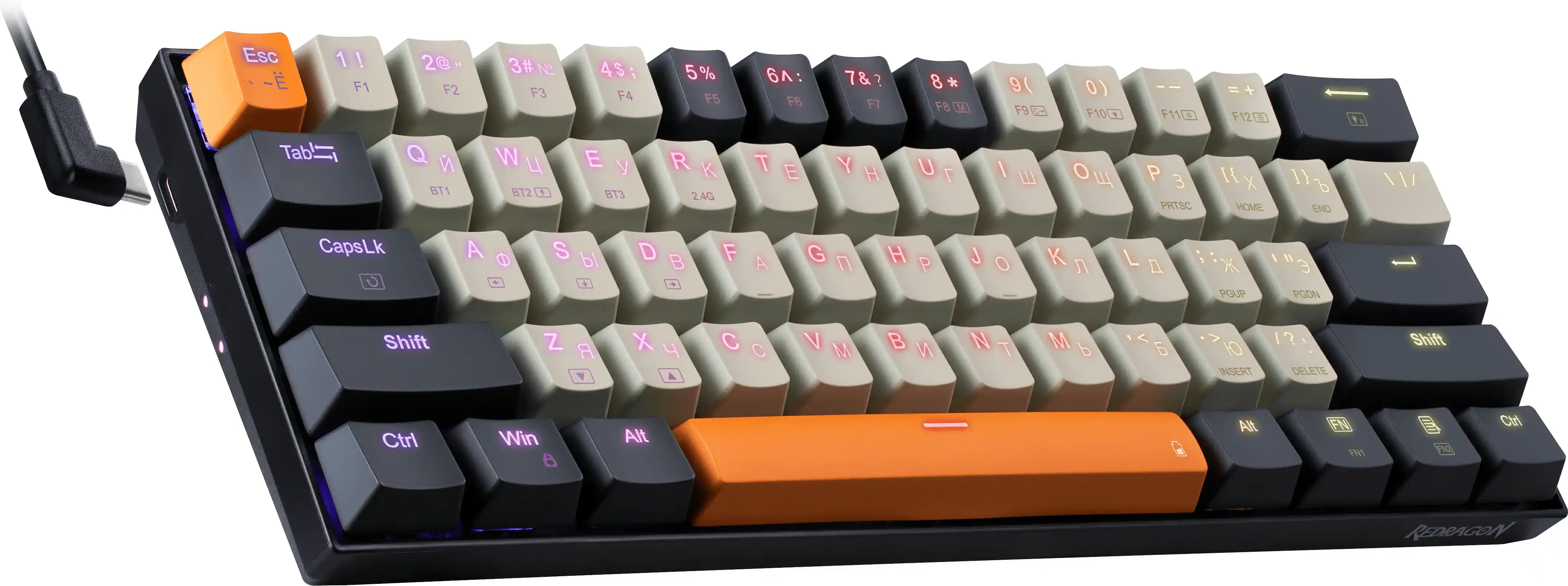
A great option for fans of keyboards with brown switches is the wireless Redragon CARAXES PRO.
Popular and Proven: Red Switches
Red switches have been at the peak of popularity for several years. They don't have a pronounced click since they are linear, and the actuation point is usually not prominent, making pressing easier. These switches are perfect for those who want precise control over the gaming process or a quiet keyboard with easy key presses.
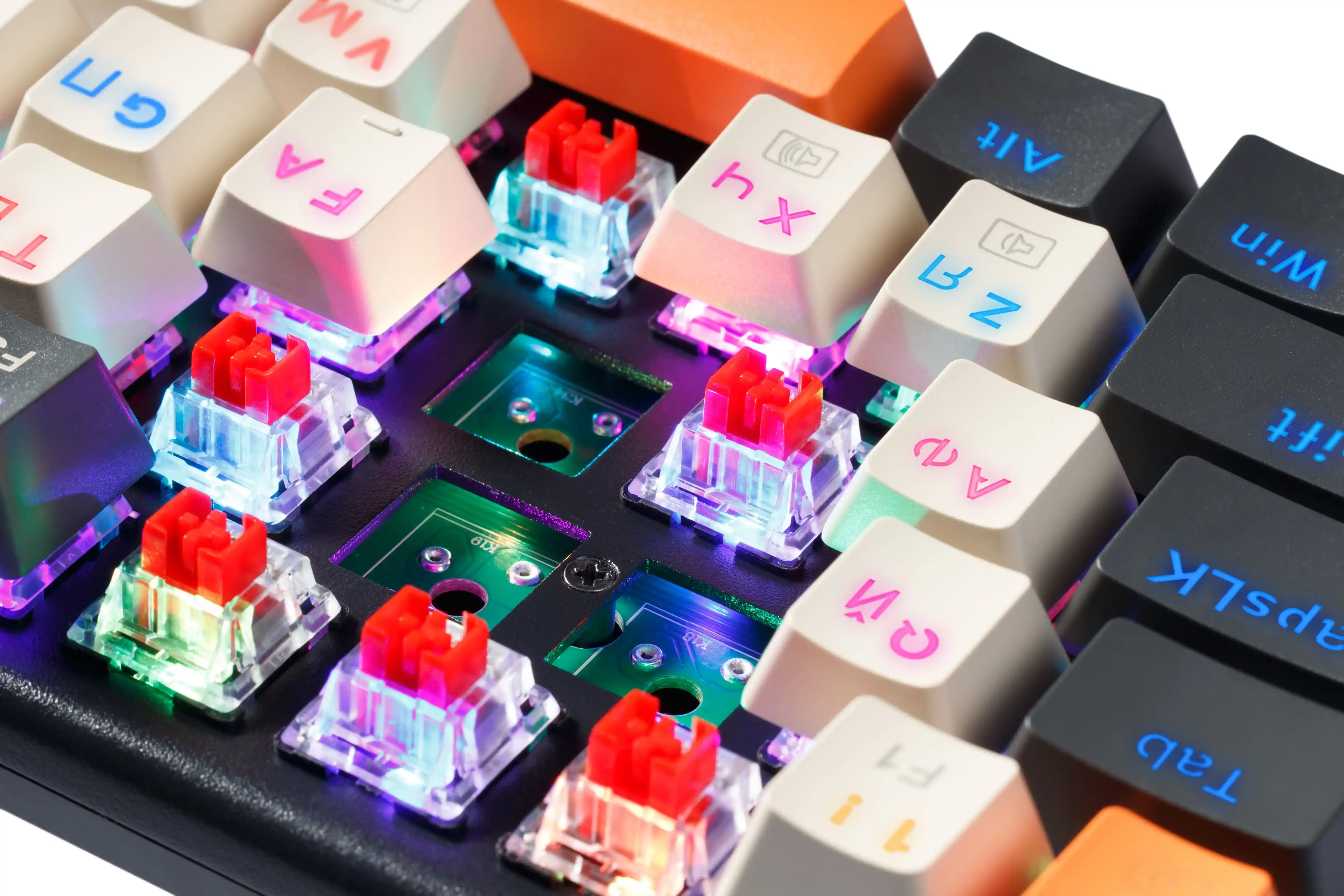
Now for the downsides: keyboards with red switches can be prone to accidental presses, but this is just a matter of getting used to. Red switches don't provide much tactile feedback, but a mechanical keyboard still feels significantly different from a standard membrane one.
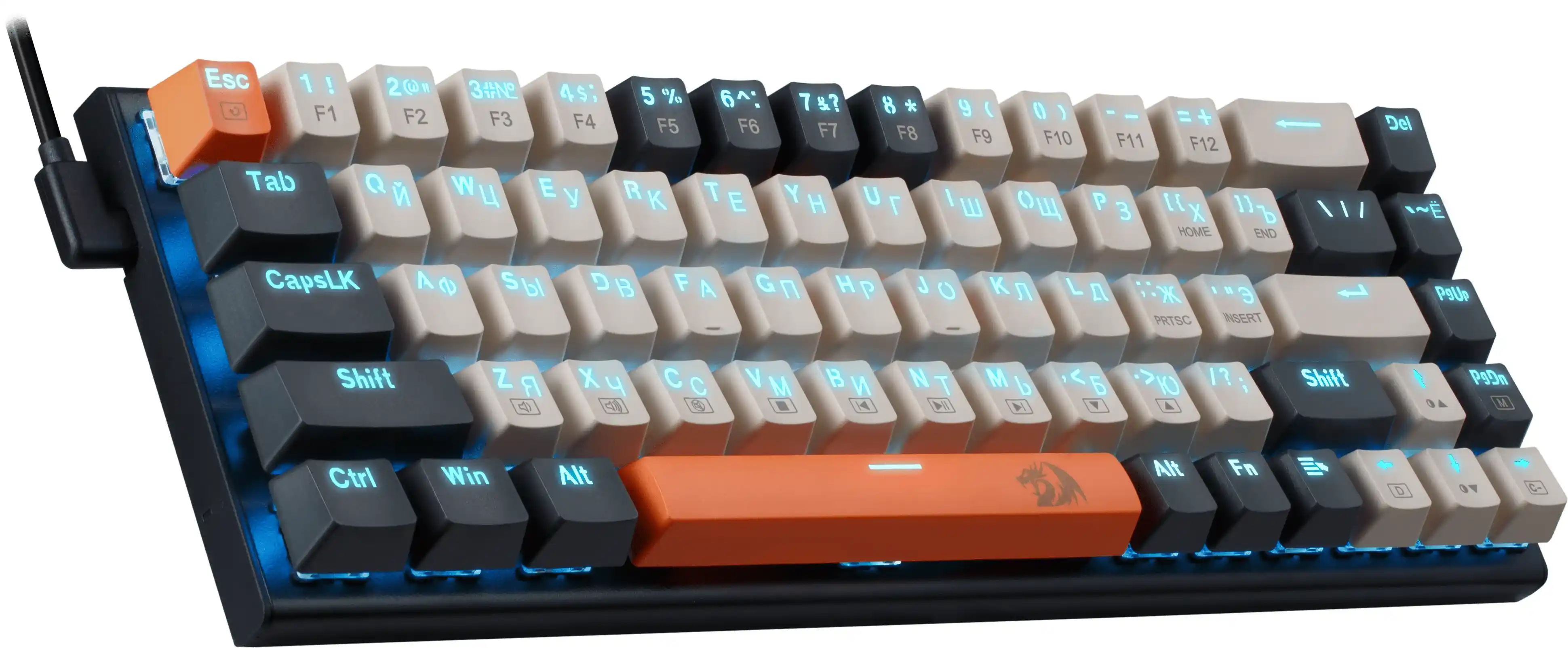
For example, you can try red switches on our mechanical keyboard Redragon Ryze.
A New Word in Switches: Mint Lemon
Mint Lemon switches offer a fresh perspective on the world of mechanical keyboards. With their slightly shortened actuation point, reduced travel, and decreased force required for pressing, these switches make keyboard use softer and more comfortable while making the keypress sound even quieter.
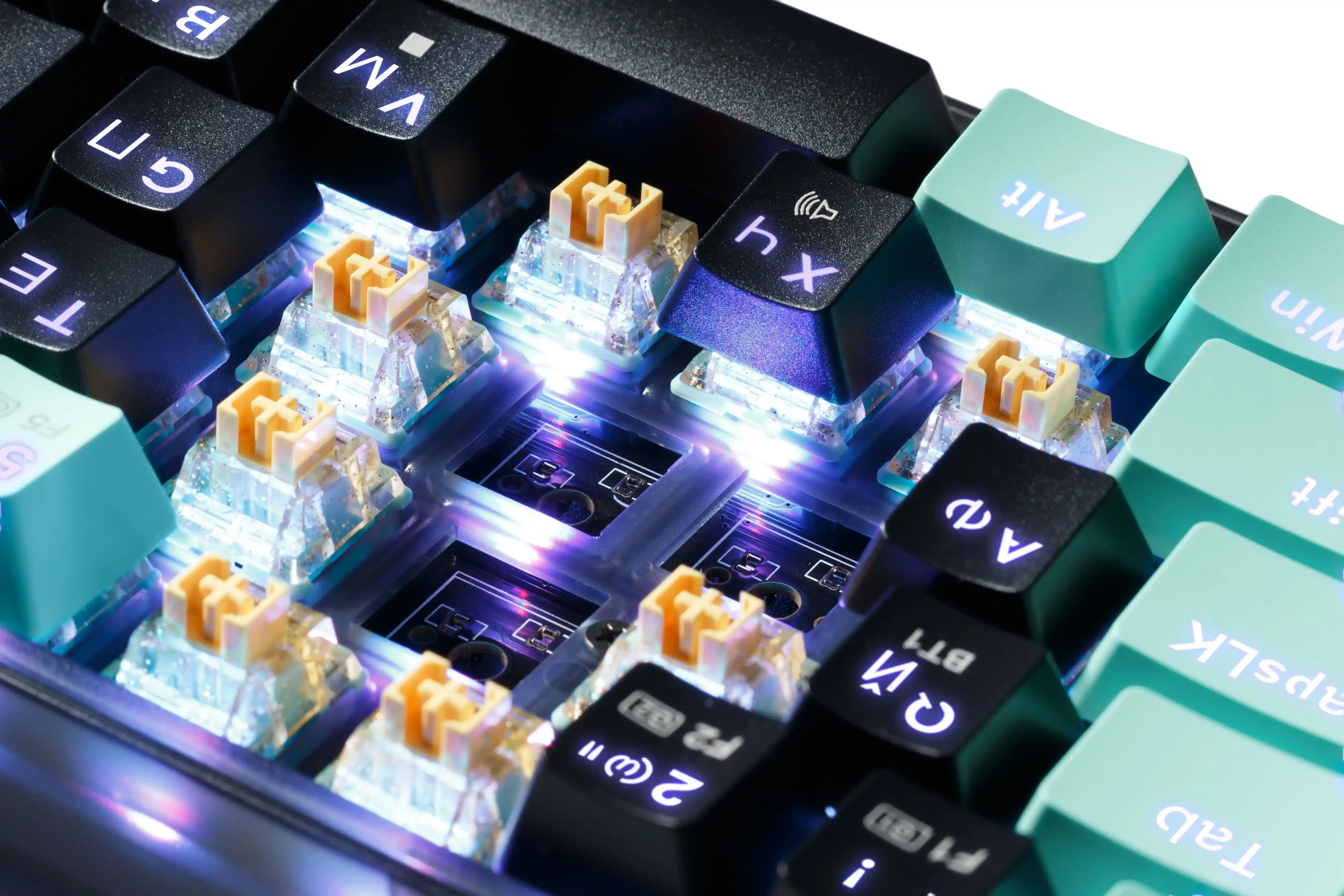
When using a keyboard with Mint Lemon switches, you feel how each press becomes smoother and more enjoyable. These switches perfectly complement the philosophy of red switches, giving them new qualities and enhancing comfort.
Though Mint Lemon switches make presses quieter, they can still be prone to accidental presses, especially for those used to more resistance. Additionally, due to their softness and advanced design, some users might miss the tactile feedback typical of other switch types.
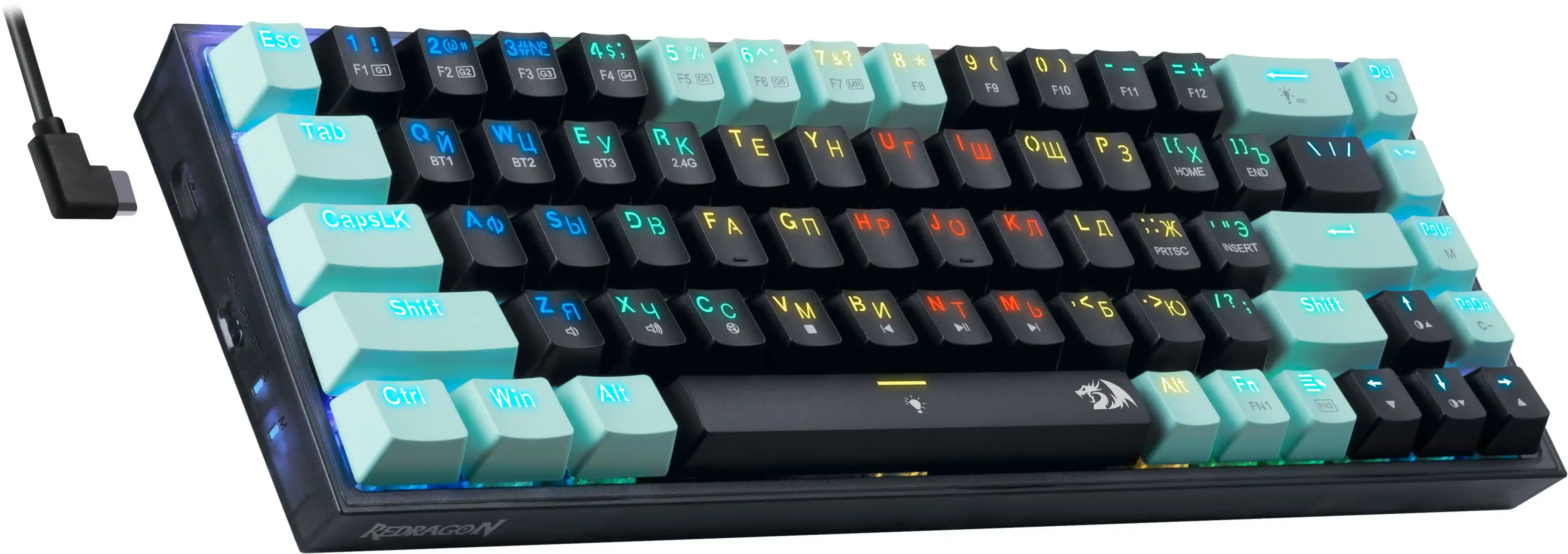
Try our wireless keyboard Redragon CASTOR PRO with Mint Lemon switches.
Spoiler Alert! Our New Keyboards with Innovative Switches
Let's take a closer look at the switches found in our new keyboards. We've spared no effort, conducting dozens of tests and hundreds of checks to enhance your keyboard experience. This is especially important in gaming, where even the slightest delay or uncomfortable key press can affect your performance and results.
Transparent
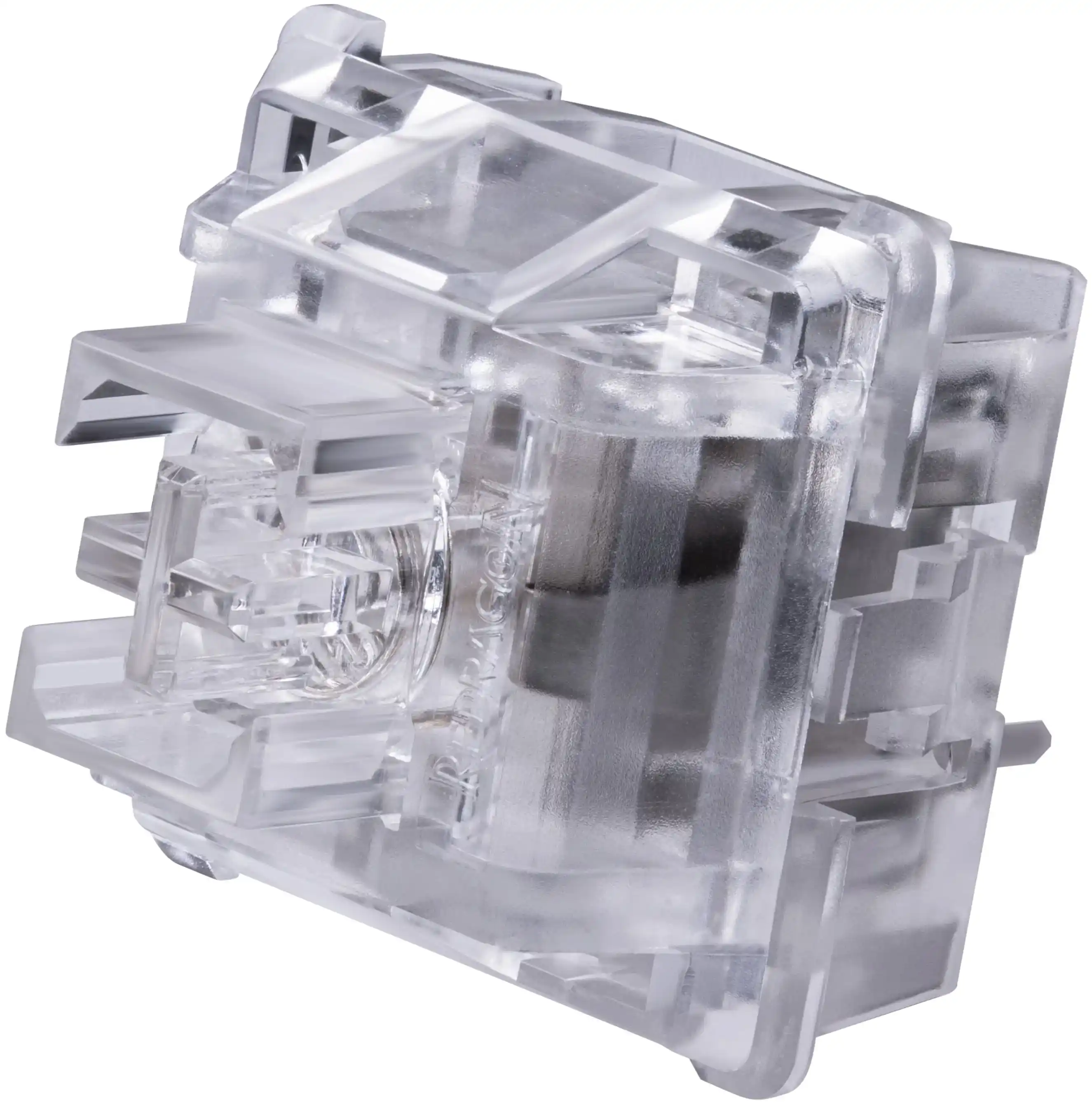
These switches are an improved version of red switches, offering shorter travel and an earlier actuation point. They are lighter to press, making them ideal for fast and responsive actions in both gaming and everyday work. These switches provide high performance and comfort, especially valued by gamers for extended gaming sessions.
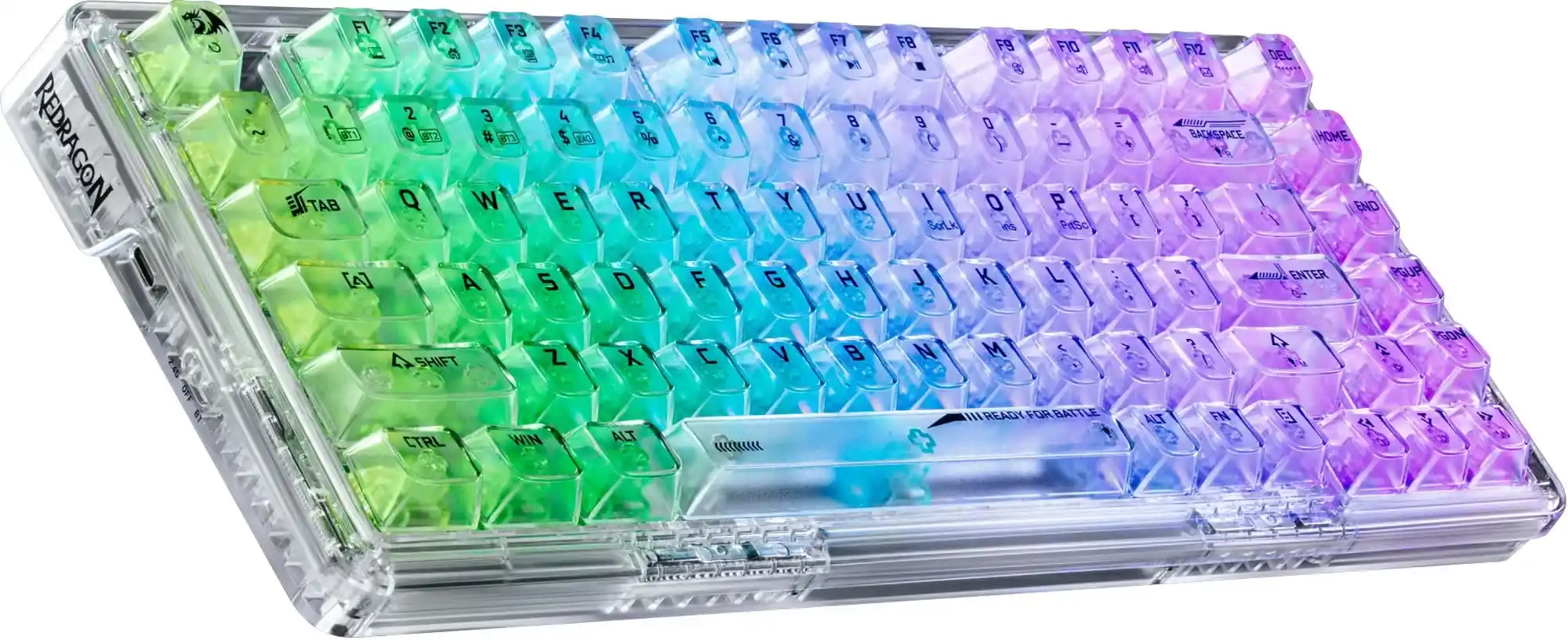
Meet our new product with Transparent switches - the wireless Redragon ELF PRO keyboard.
Gold-Melt
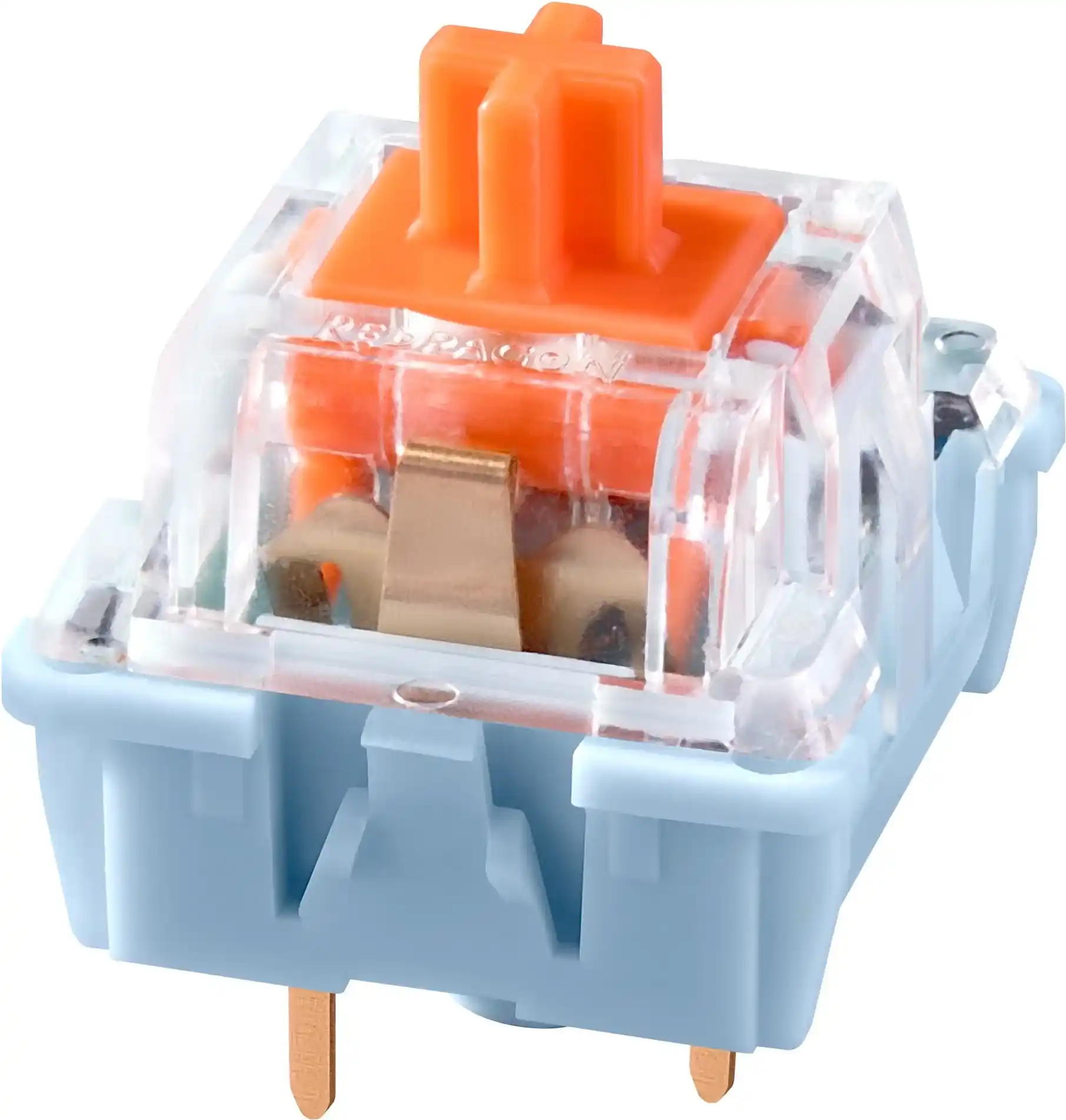
Linear switches with ultra-short travel to the actuation point are perfect for gaming, providing quick and easy response. With minimal actuation force, they allow faster reactions in games and precise command execution. These switches are lighter than red ones, making them even more comfortable for long gaming sessions, reducing finger fatigue and increasing overall comfort.
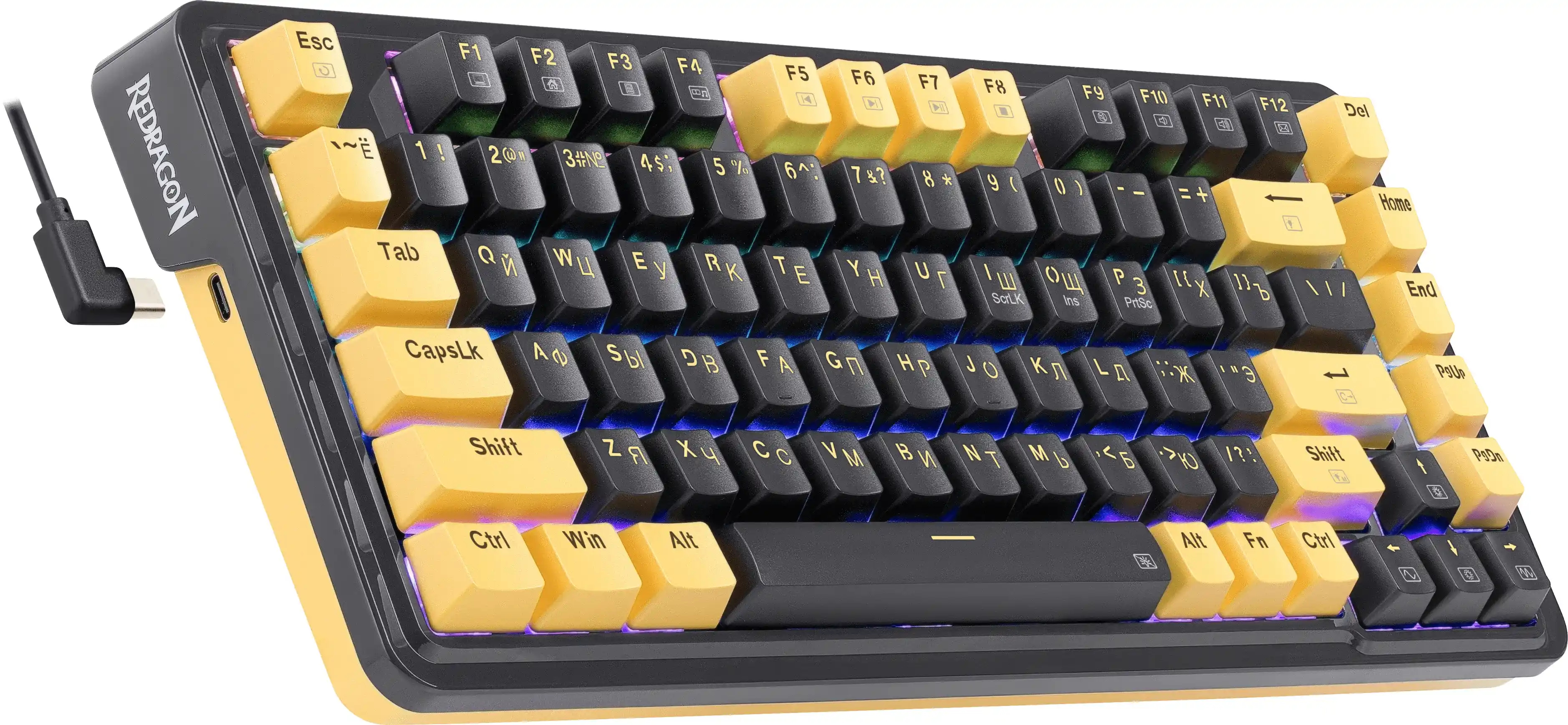
Try the mechanical keyboard Redragon ELF with Gold-Melt switches.
Keyboards with Rapid Trigger and Hall Sensor Switches
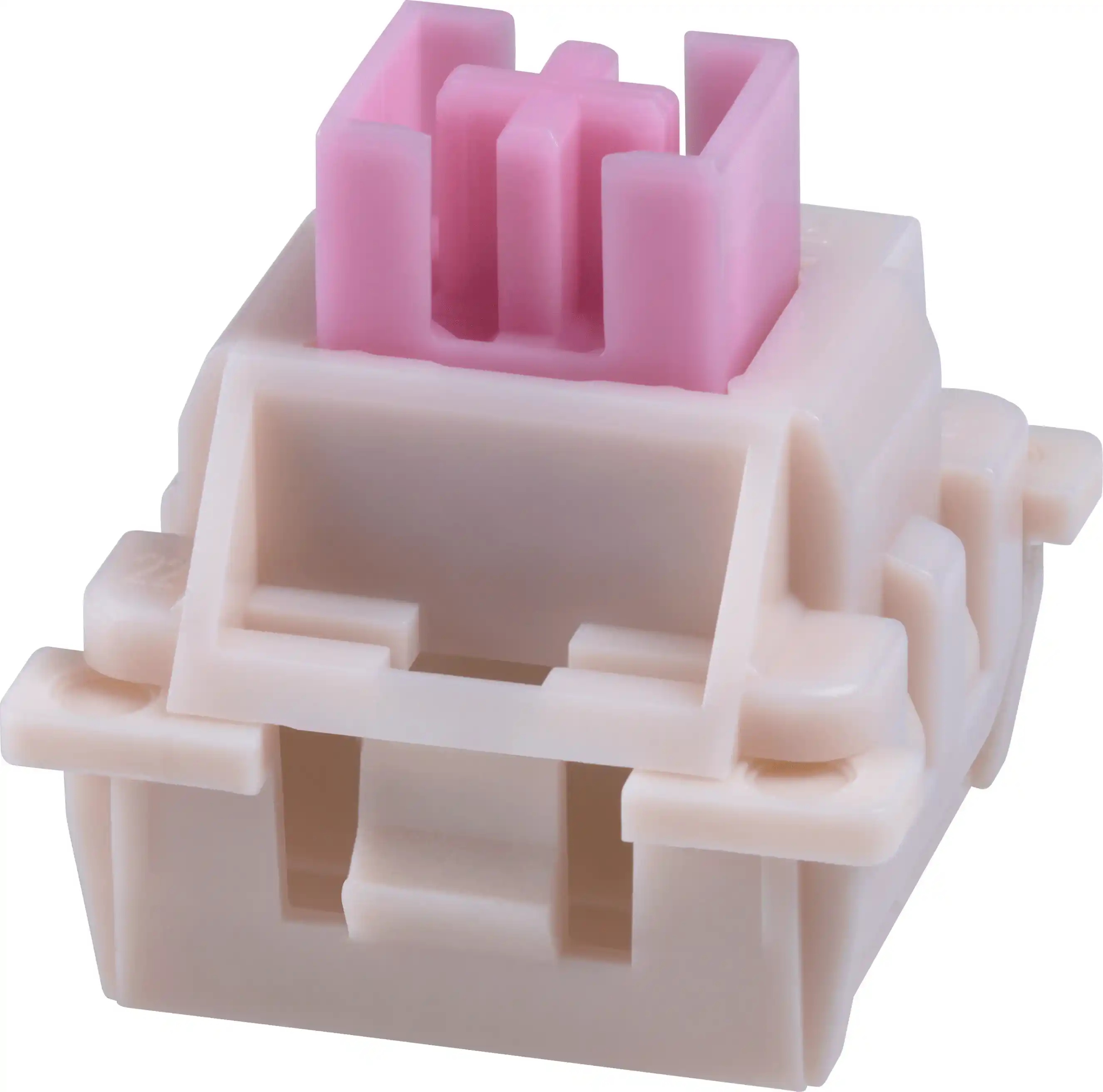
Rapid Trigger and magnetic Hall sensor switches are the latest trend among gamers. These switches operate using Hall sensors, triggering upon a change in the magnetic field. Their unique feature is the ability to dynamically change activation and deactivation points. Magnetic switches are suitable not only for gaming but also for other tasks, providing maximum convenience.
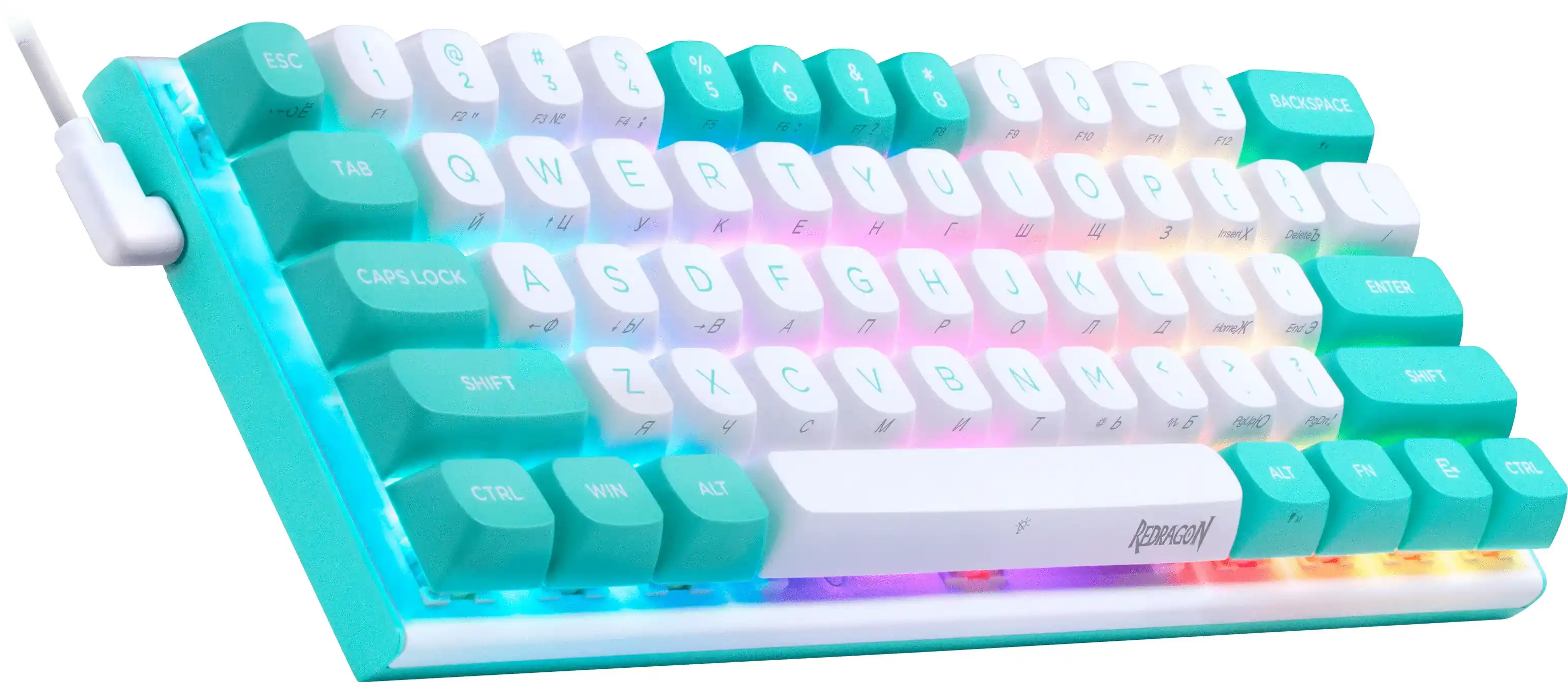
The Redragon FIDD mechanical keyboard is the perfect choice to test new technologies.
Key Specifications
- Brown: Actuation force - 45±10g, full press force - 55±10g, travel to actuation - 2.0±0.4mm, total travel - 4±0.4mm.
- Brown slim: Actuation force - 40±10g, full press force - 50±10g, travel to actuation - 1.5±0.4mm, total travel - 3mm.
- Blue: Actuation force - 60±10g, full press force - 65g, travel to actuation - 2.2±0.6mm, total travel - 4mm.
- Silent White: Actuation force - 50±10g, full press force - 65g, travel to actuation - 2.0±0.6mm, total travel - 3.3mm.
- Yellow: Actuation force - 38±10g, full press force - 45g, travel to actuation - 2.0±0.6mm, total travel - 3.6mm.
- Red: Actuation force - 45±10g, full press force - 60±10g, travel to actuation - 2.0±0.4mm, total travel - 4±0.4mm.
- Transparent: Actuation force - 42±5g, travel to actuation - 1.5mm, total travel - 3.6mm.
- Gold-Melt: Actuation force - 42±5g, travel to actuation - 1.3mm, total travel - 3.5mm ±0.4mm.
- Red slim: Actuation force - 40±10g, full press force - 70g, travel to actuation - 1.5±0.4mm, total travel - 3mm.


- RGB backlight
- Mechanical switches OUTEMU Red
- Customizable RGB backlight

- 3 connection modes
- Customizable RGB backlight
- Compact size

- Mechanical switches OUTEMU Blue
- Customizable RGB backlight
- Hot Swap Technology