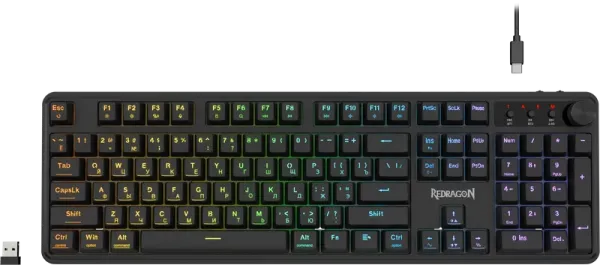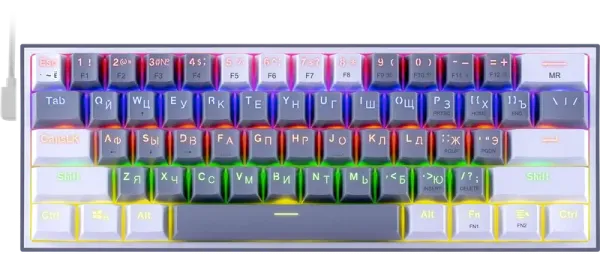



But!! How do you turn off the lighting, other than dimming it to 0? It's not in the manual and I couldn't find it. (I'll say right away — I haven't tried all the buttons in combination with Fn+). I hope someone will write me the correct key combination for turning the lighting on/off. I really hope so. In the old revision, the lighting was turned off with Fn+ PageDown. Changing the lighting color Fn+ *** (New revision).
Pros: It performs its function well. Holds a charge well, the lighting is sufficient. This isn't the first time I've bought this model.
Cons: The manual says to use the Fn + [+=] key combination to change the lighting, but that's incorrect. I got a device from 12.2025. (I don't know which revision it is, the earlier version had different controls) and in it, the color is changed with the Fn + *** combination. The video shows how it works.