"Where's the numpad?" Why gamers choose compact keyboards
As soon as Redragon shows a compact keyboard, a question about the numpad instantly appears in the comments. The answer is unexpected: it's not about the keyboard, it's about the mouse.
It's all about the mouse
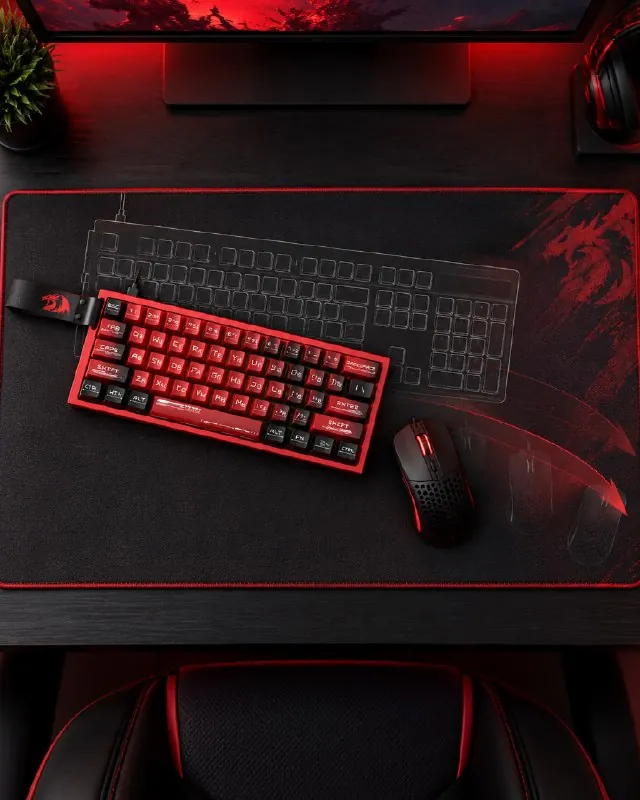
In fast-paced shooters, many players set their mouse sensitivity low. This makes it easier to control the crosshair precisely, but the hand makes wider movements — sometimes across half the desk.
And here a full-size keyboard becomes an unexpected opponent: a sharp turn, a wide mouse swing — and the mouse bumps into the numpad. A compact keyboard frees up that space: you can play at low sensitivity without worrying that your next flick will end in a collision.
«Of course, if you frequently work with numbers, a numpad can be indispensable.»— Redragon, Telegram
Keyboard sizes
The most convenient way to measure keyboard size is by the number of keys. Here's what it looks like in the current Redragon lineup:
- 61 keys (60%) — no numpad, arrow keys, or F-row. The most compact, for example, the Venom.
- 68 keys (65%) — arrow keys added. For example, the Ryze.
- 81–83 keys (75%) — has an F-row and arrow keys, no numpad: Flekact Pro, Eclipse Pro, Uranus Pro 82.
- 87 keys (TKL) — the classic without a numpad: Star Blade Pro, Anubis, Otiim Magnetic.
- 96–98 keys — has a numpad, but the keyboard is condensed: Eva Pro, Eisa Pro.
- 104–108 keys — full-size: Mitra, Hades, Whisper.
If you play shooters at low sensitivity — go for 60–75%. If you work with spreadsheets between matches — stick with a full-size board or get a 96–98 key option.
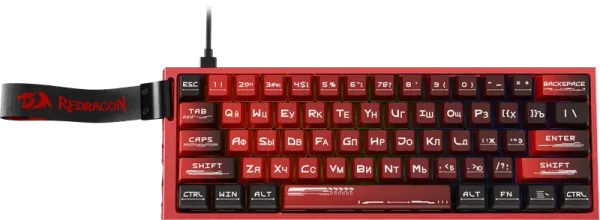
- Compact size
- Customizable adjustable magnetic switches
- 8K report rate
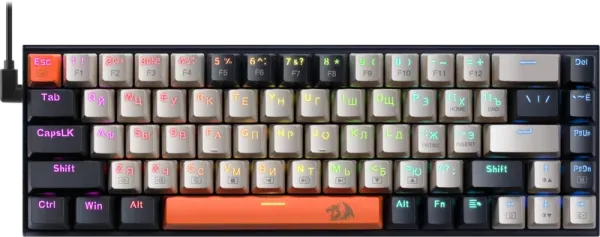
- RGB backlight
- Mechanical switches OUTEMU Red
- Customizable RGB backlight
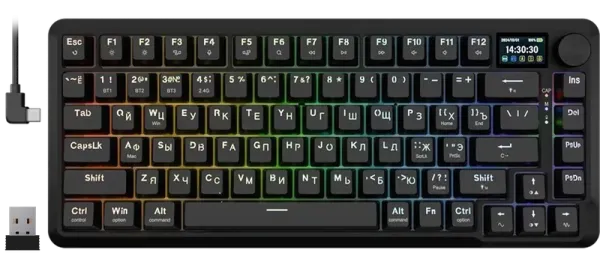
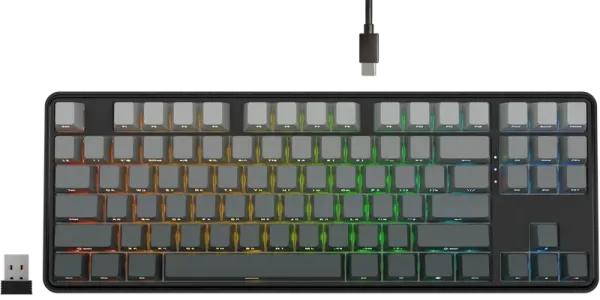
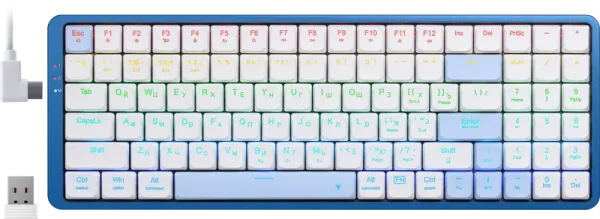
- Ultra flat design
- Three connection modes (BT/2.4G/wire)
- RGB backlight
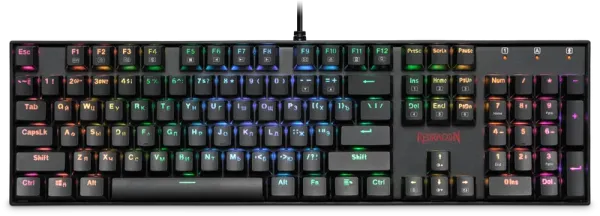
- Mechanical switches OUTEMU Blue
- Customizable RGB backlight
- Hot Swap Technology
Based on a post in the Redragon Telegram channel from October 19, 2026. Open the post ↗